
🏏IPL 2026: MI vs RCB, 20th Match, Wankhede Stadium, Mumbai🏏
🏏IPL 2026: SRH vs RR, 21st Match,Hyderabad 13 Apr 7:30pm IST🏏
🏏IPL 2026: LSG vs GT, 19th Match, Ekana Cricket Stadium, Lucknow🏏

12.4 and 13.4 episodes

Favourite Songs of Asha Bhosle 💖💙🩷💛💜❤️💖
A Film Doesn’t Feel Like Propaganda If You Never Pause to Notice

Mannat Har Khushi Paane Ki: Episode Discussion Thread - 41

NASHIK MNC Jihad
The Yrkkh Gen 5 Discussions Thread
Originally posted by: moniluvskinshuk
Yaar Why I am unable to add the above gif in my signature ? Can someone help me plz?😒
right click on the image which you want in your signature and copy image link, then go to settings > update profile...you will see a signature box there, paste the link in that box with the img code:
(IMG)link(/IMG)
^^ thats the code except you need to replace the brackets with square brackets
Originally posted by: Unique.Sheep
right click on the image which you want in your signature and copy image link, then go to settings > update profile...you will see a signature box there, paste the link in that box with the img code:
(IMG)link(/IMG)
^^ thats the code except you need to replace the brackets with square brackets
I know this and it was happening earlier .But today when I wanted to add new one .Its not working for me .
Suppose this is the link .And I just have to add.that IMG part in the start and end of the link. Right ?
Originally posted by: moniluvskinshuk
I know this and it was happening earlier .But today when I wanted to add new one .Its not working for me .
Suppose this is the link .And I just have to add.that IMG part in the start and end of the link. Right ?
No thats a broken link
this is the correct one





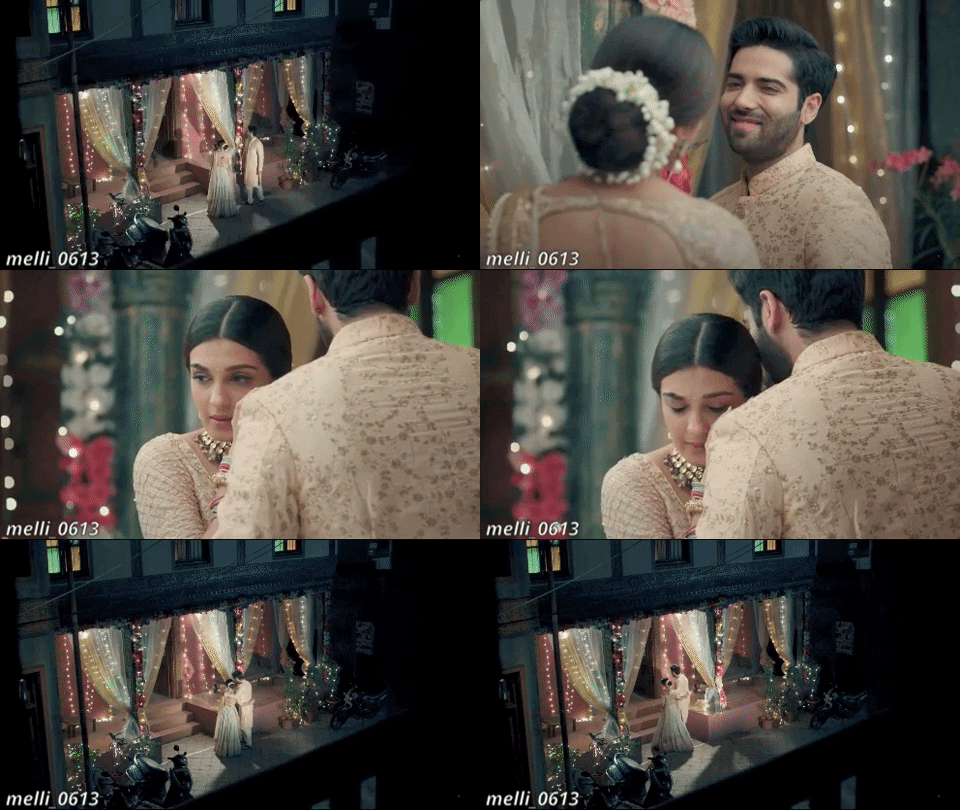
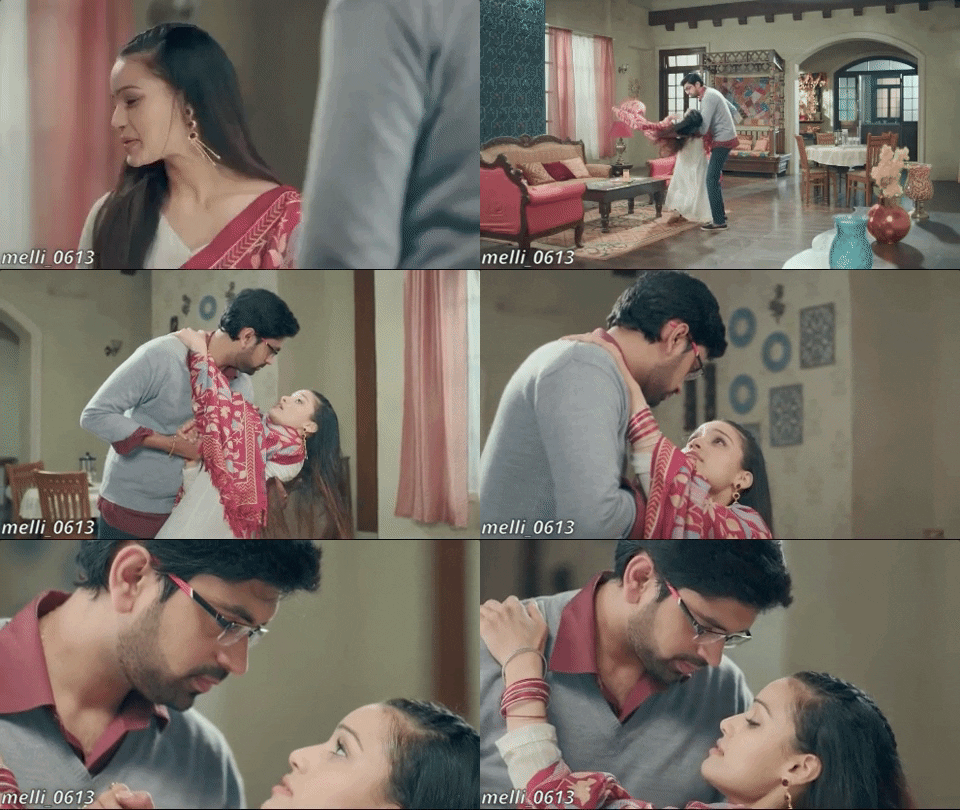
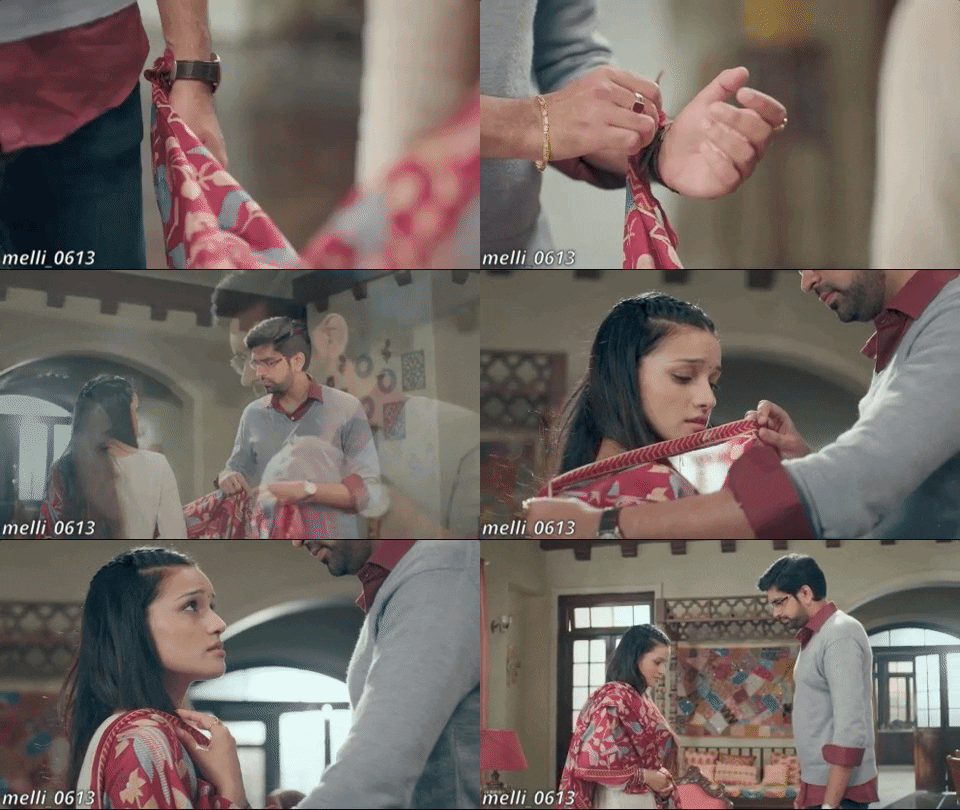





















 Seher Hone Ko Hai

